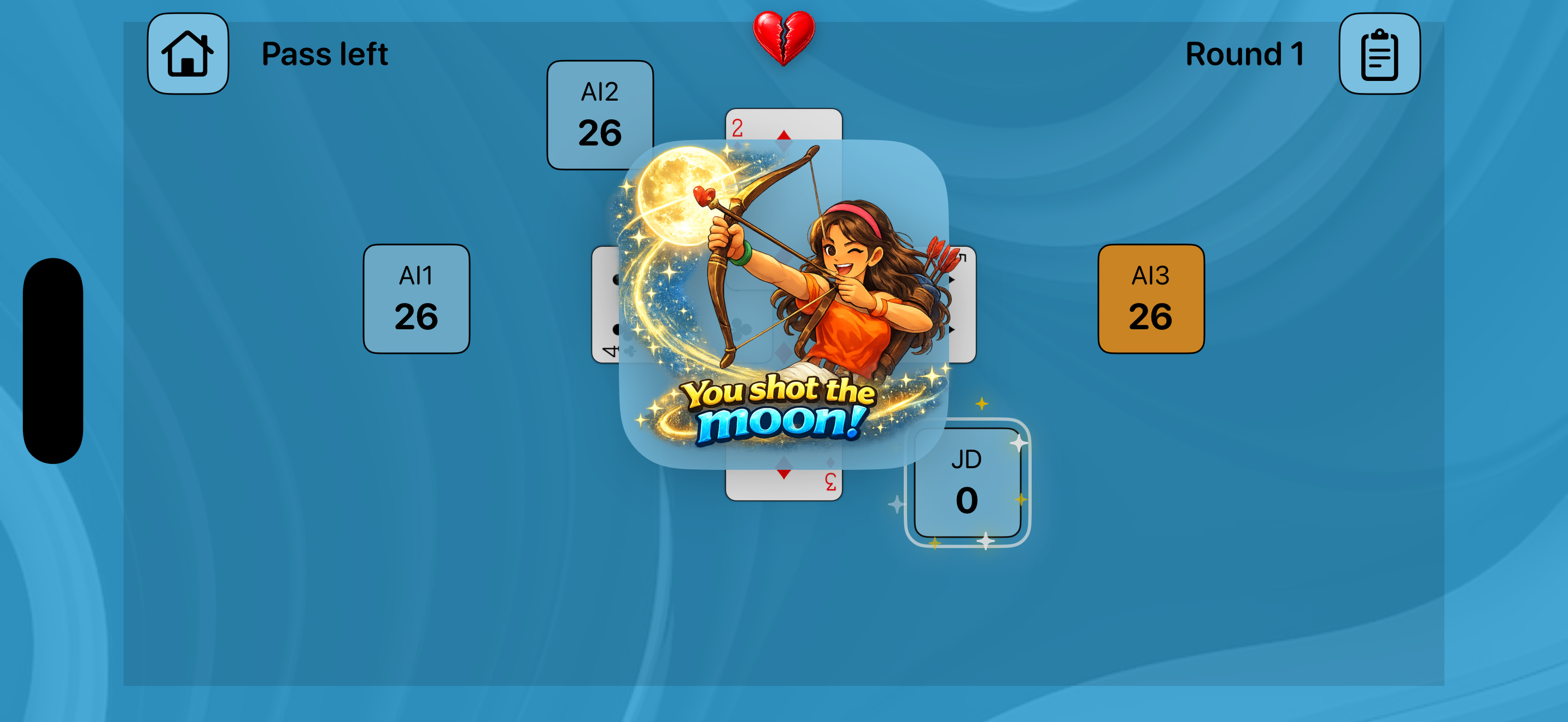
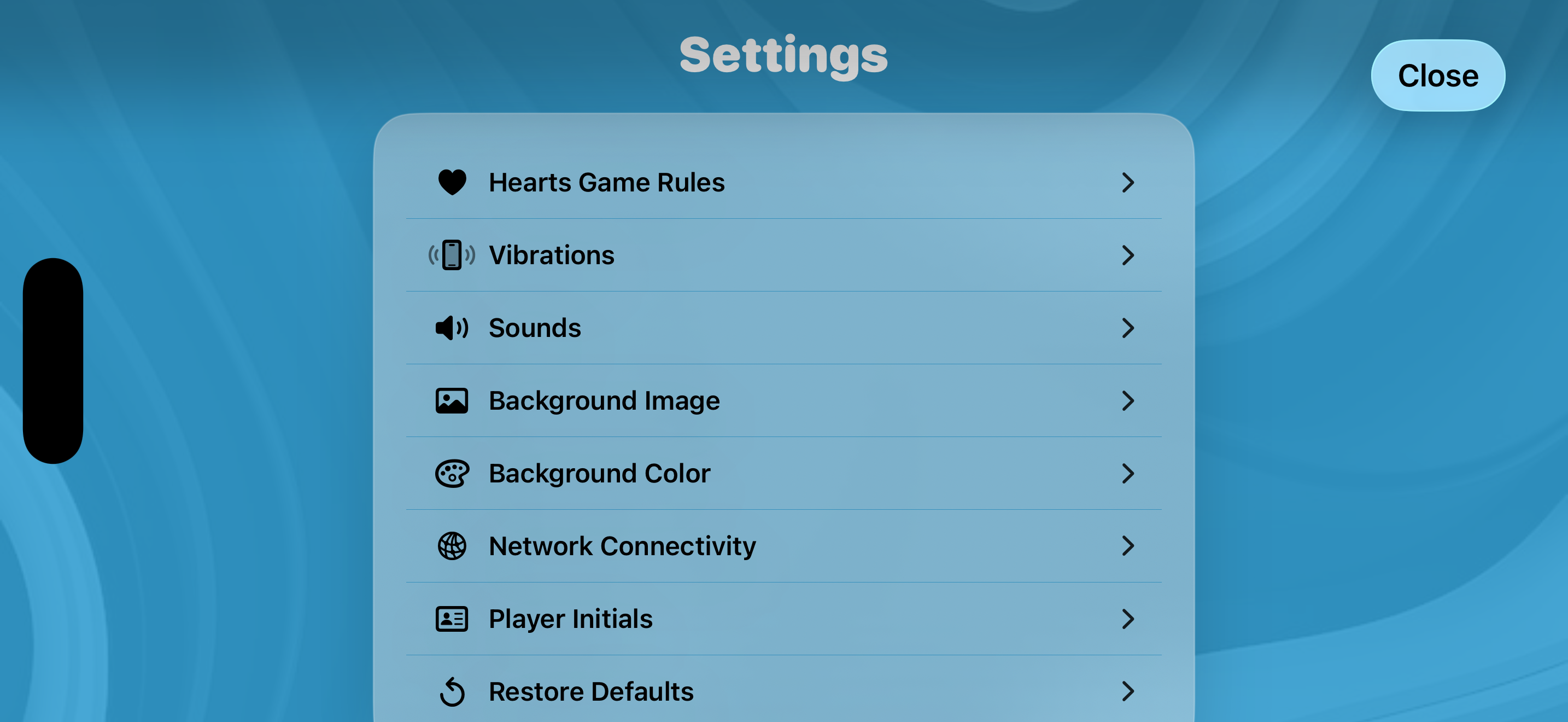
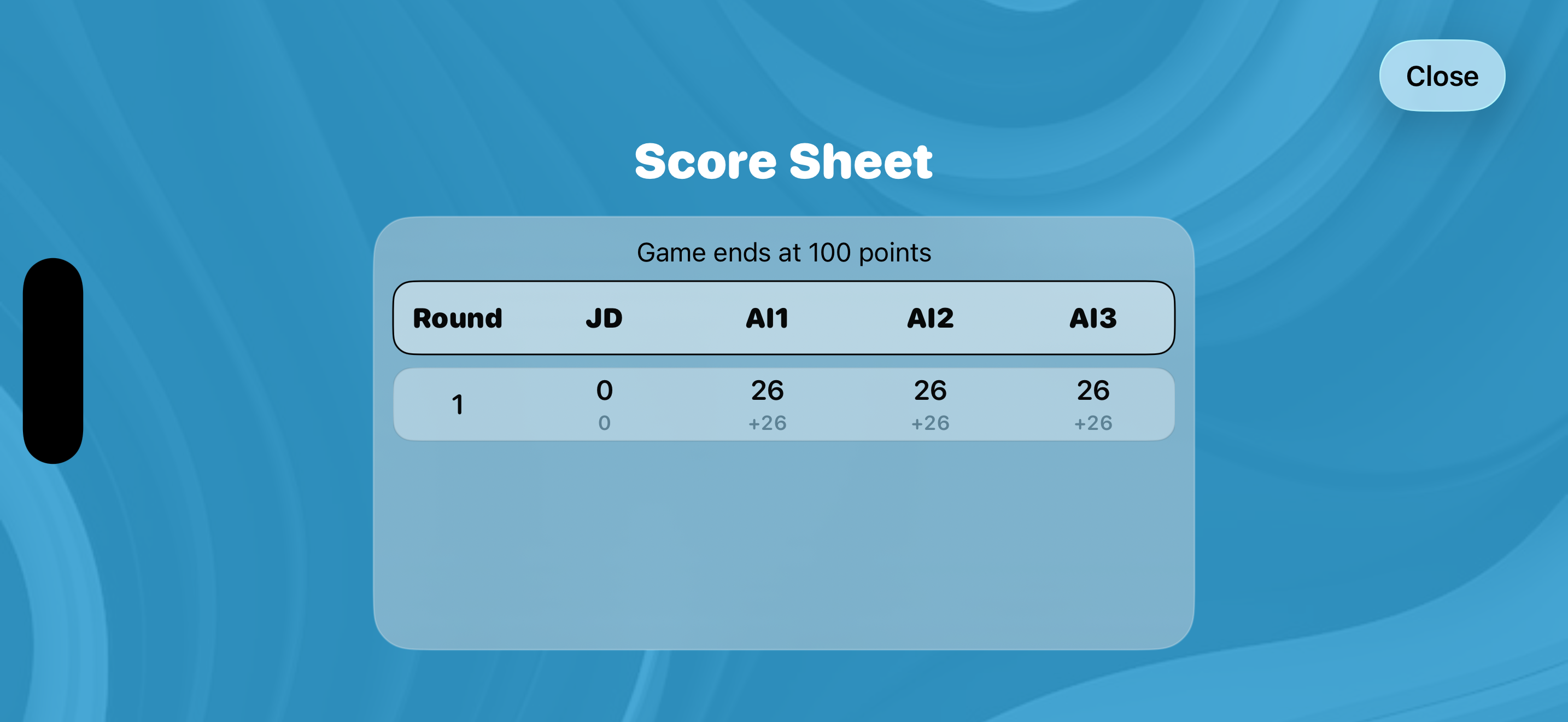
Features
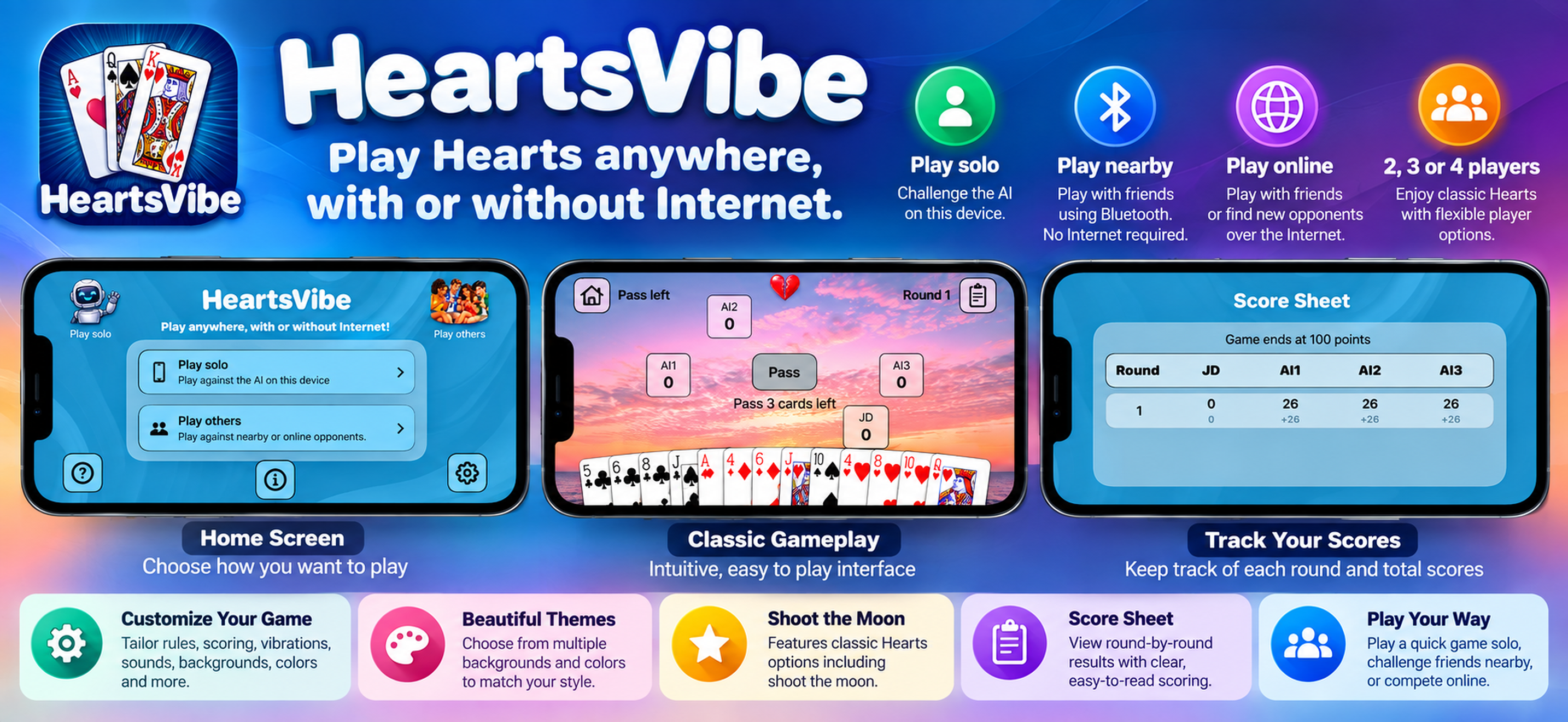
- Play solo against adjustable AI opponents.
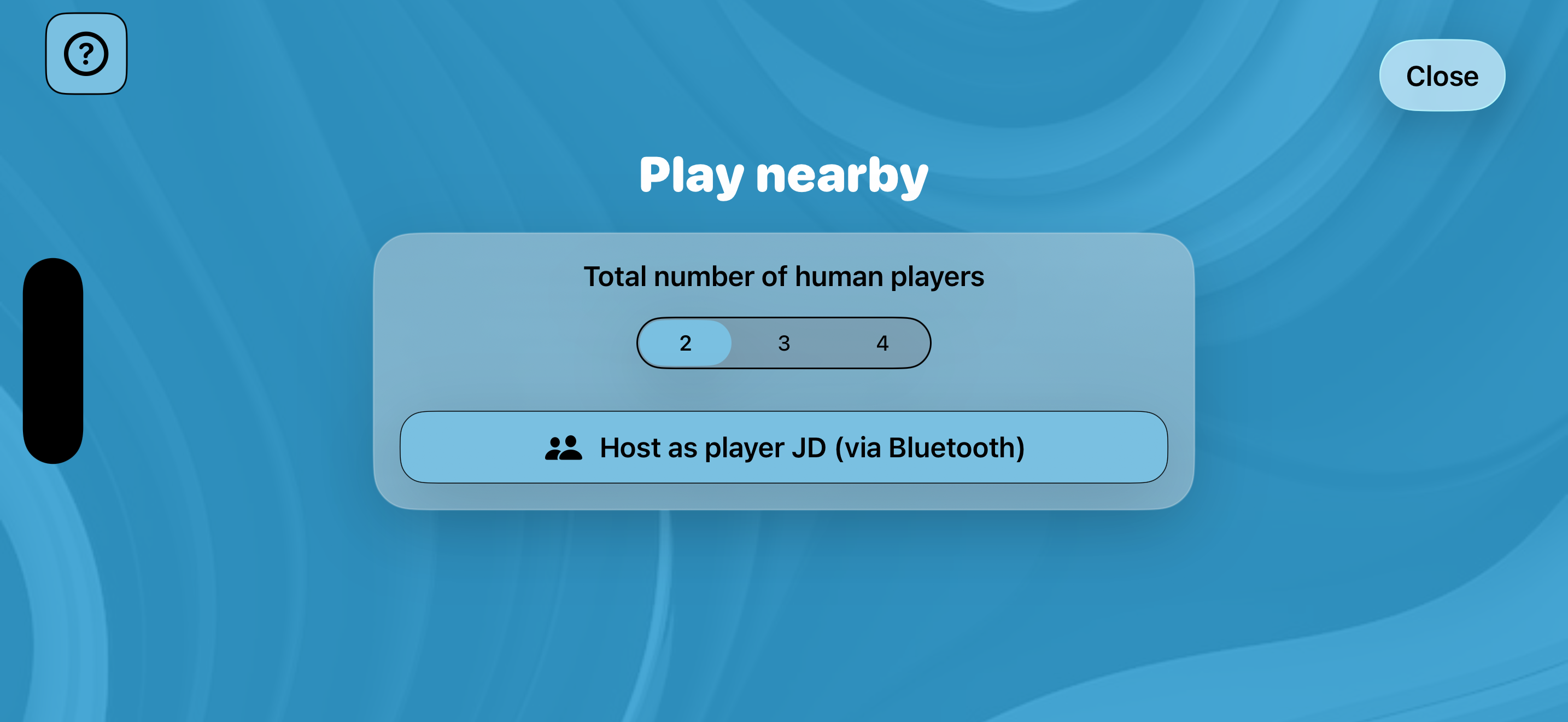
- Play nearby with 2-4 human players using Bluetooth.
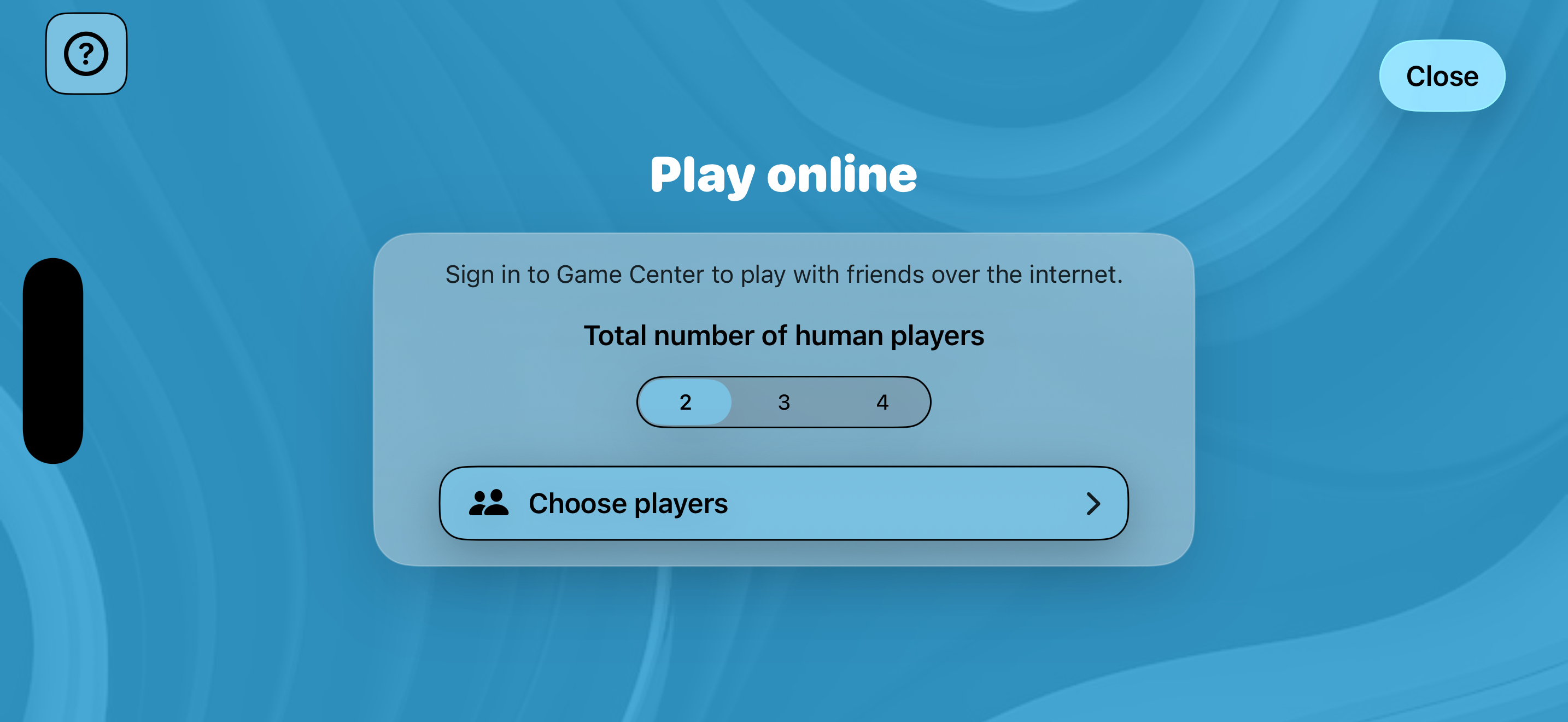
- Play online with friends or matched players through Game Center.
- Start SharePlay games with current FaceTime participants.
- Customize Hearts rules, score target, AI skill, backgrounds, colors, sounds, and haptics.
- Track game statistics and review recent final score sheets.
- Continue an in-progress solo game.
- No ads.
Fast start guide
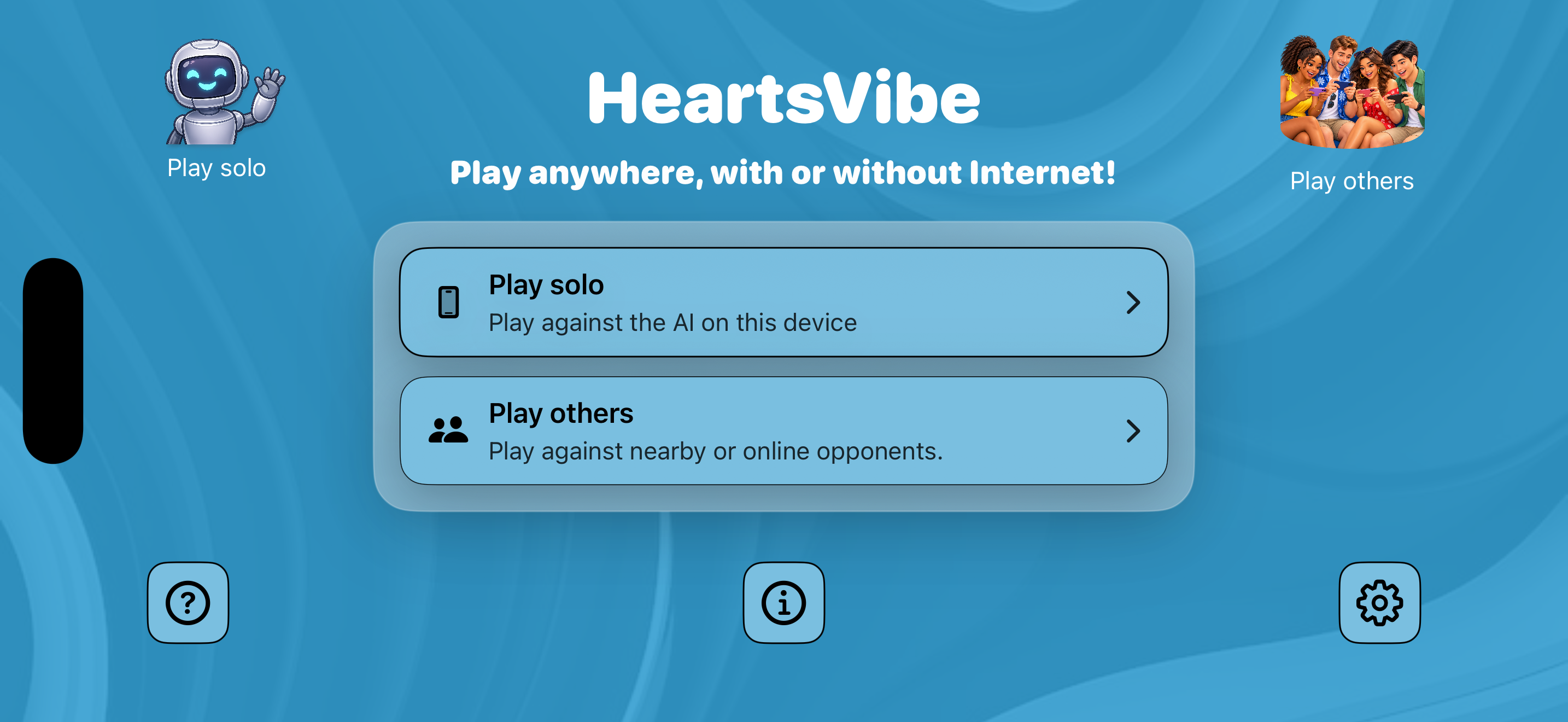
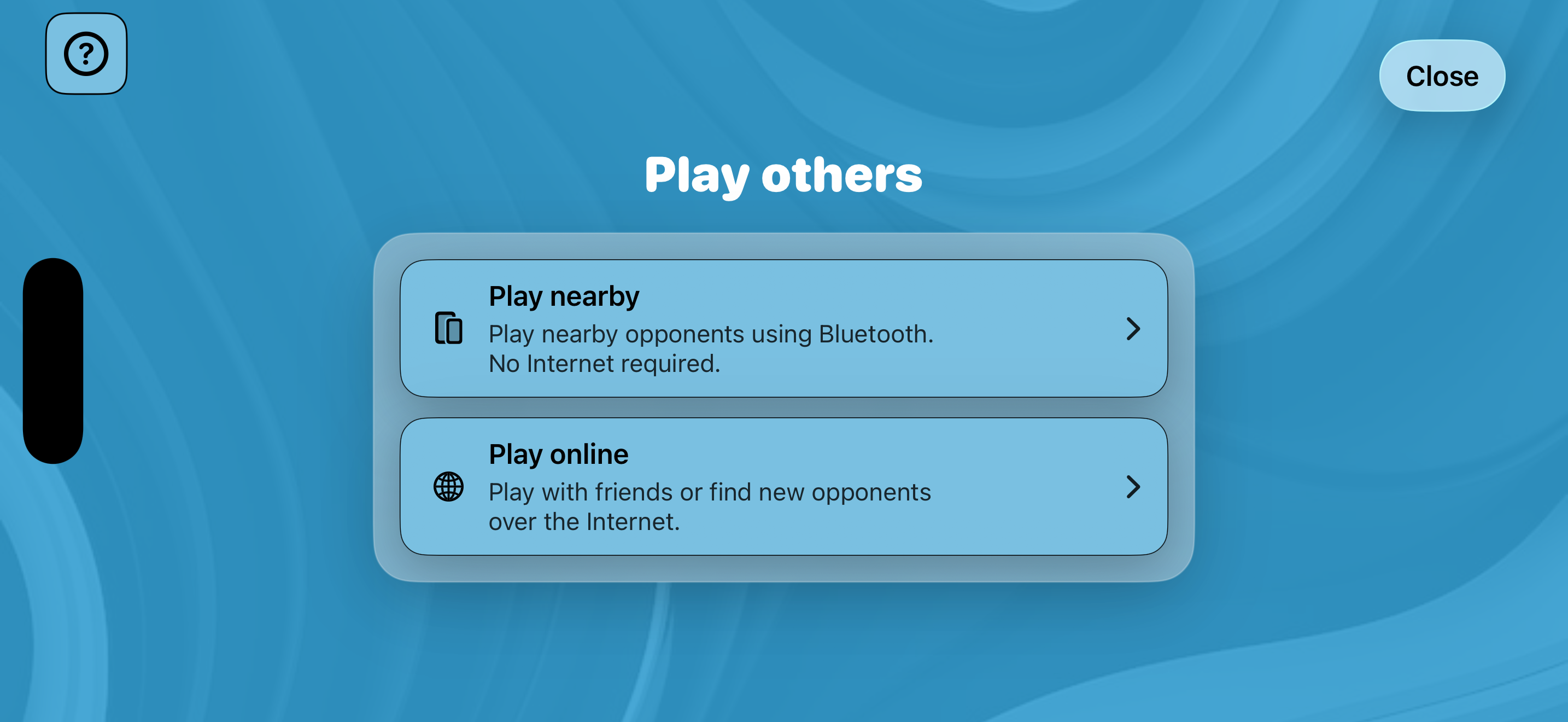
- Tap Play Solo for an immediate game against the AI players, or tap Play Others for nearby or online play.
- For nearby games, one player Hosts the game for the selected number of human players. The other players Join.
- For online games, choose 2-4 human players, then invite friends or use matchmaking.
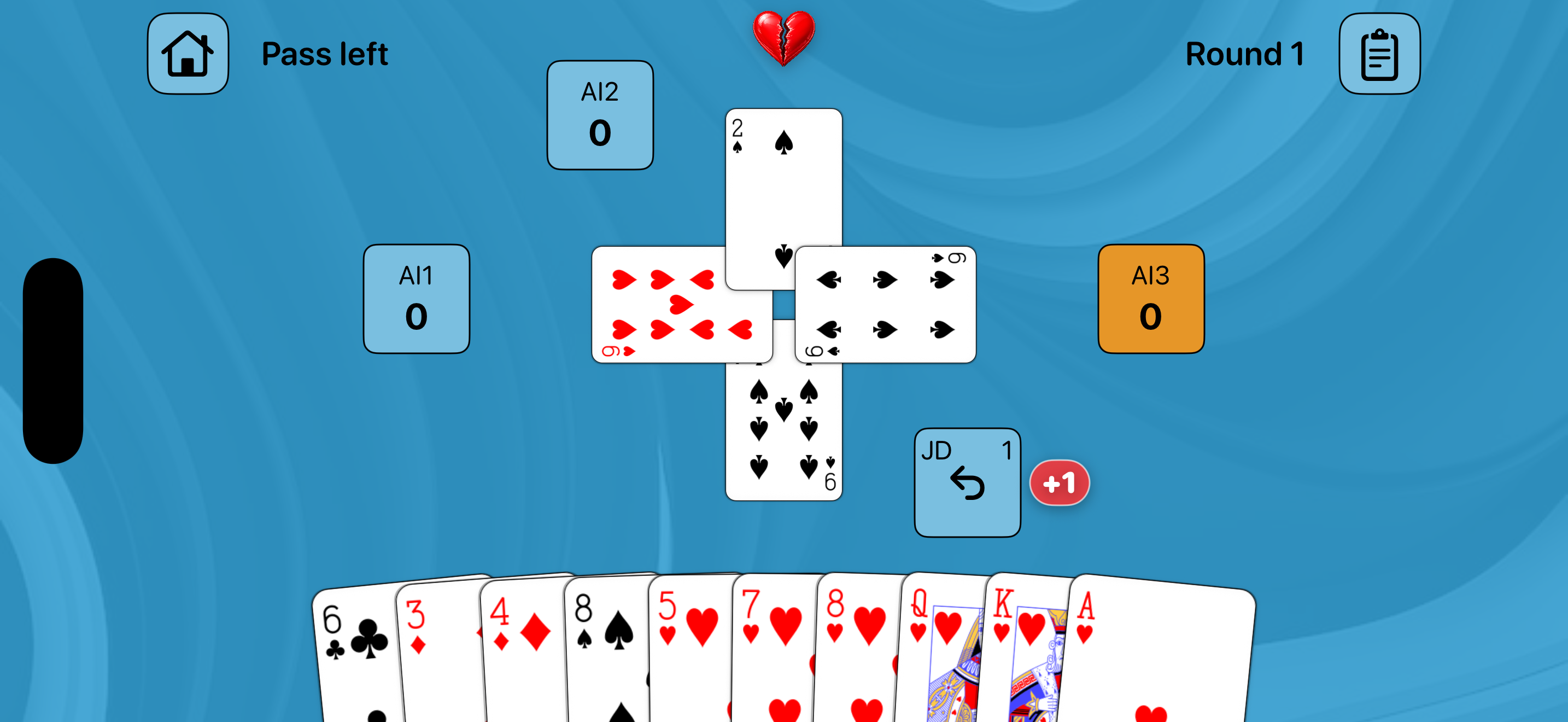
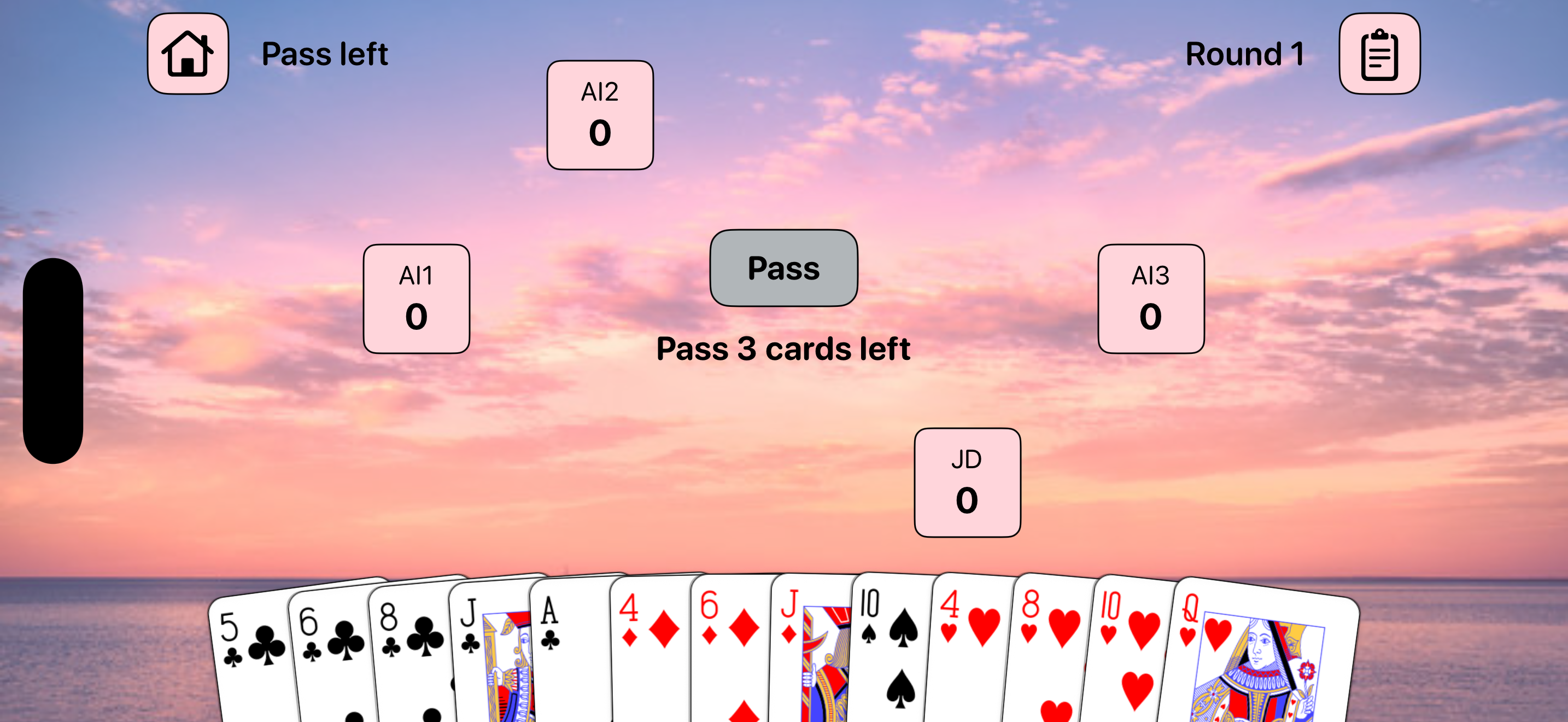
- Tap the cards you want to pass or play.
- Enjoy playing HeartsVibe!
Play Modes
Solo: Play on one device against AI players with unlimited free access.
Nearby: Host or join games for 2-4 human players using Bluetooth. Empty seats are filled by AI players.
Online: Use Game Center for SharePlay (play current FaceTime participants), Invite Players (friends or contacts) and Quick Match (automatch with random players).
Settings
- Game Rules: Pass cards, undo passed cards, undo last card played, score target, shoot-the-moon scoring and Queen of Spades rules.
- AI Settings: Skill levels and Best move suggestions.
- Visual Customization: Preset background images, custom photo background, image strength, background color presets, and saved custom background colors.
- Sounds & Vibrations: Dealing, hearts broken, Queen capture, shoot-the-moon, turn reminder sounds, and per-event vibration toggles.
- Network: Nearby connection uses Bluetooth.
HeartsVibe Help
Rules of Play
Hearts is a trick-taking card game where the goal is to finish with the lowest score. Each heart is worth 1 point, the Queen of Spades is worth 13 points, and a standard hand has 26 penalty points.
Each round deals 13 cards to each player. If passing is enabled, players pass 3 cards in the left, right, across, hold cycle. The player with the 2 of Clubs leads first; players must follow suit if possible, and the highest card in the led suit wins the trick.
Hearts cannot be led until hearts are broken by a discarded heart. First-trick protection prevents hearts or the Queen of Spades from being played on trick one when other legal cards exist. Shooting the moon is supported with Add 26 to opponents or Deduct 26 from the shooter.
FAQ
- Can I play without Internet? Yes. Solo works offline, and nearby games can use Bluetooth.
- How many people can play together? HeartsVibe supports 2-4 human players, with AI filling empty seats.
- Why can't my friend join nearby? Confirm both devices have Bluetooth turned on and have Bluetooth permissions enabled.
- Do I need Game Center? Only for online play. When adding friends through Game Center, be sure to tap the arrow to send the invitation.
- Why can't I connect with players Online? Make sure all players are signed into Game Center and have Notifications turned on (Settings/Notifications/Game Center). Invitees should remain on the 'Play online' screen and tap the Game Center notification to join the current HeartsVibe game.
- What does the subscription unlock? Unlimited Play Others (Nearby and Online games) and premium settings.
- Are there ads? No. HeartsVibe has no ads.
- Can I change the rules? Yes. Score target, passing, moon scoring, Queen breaks hearts, undo options, and AI skill are configurable.
Feedback
Email us at contact@newbornsoftware.com.